
Service 14 / 15 · Burbank, CA
Network & Wi-Fi Setup
Dead zones, video calls that drop, a printer nobody can find — we survey your space, design the right network and install it cleanly, with secure passwords and a guest network you can share.
- Starting at
- $125
- Turnaround
- Same week, on-site
- Warranty
- 90 days on configuration
Sound familiar?
Signs you need network & wi-fi setup.
Bring it in for a free diagnostic — you'll know exactly what's wrong and what it costs before any work begins.
- 01Wi-Fi dead zones
- 02Video calls freezing
- 03Slow speeds despite fast internet
- 04Printers dropping off the network
- 05No separate guest Wi-Fi
- 06Cables everywhere
How we do it
Our network & wi-fi setup process.
- Step 01
Site survey
We measure signal and speed throughout your home or office.
- Step 02
Design & quote
Equipment and placement recommendations at a fixed price.
- Step 03
Install
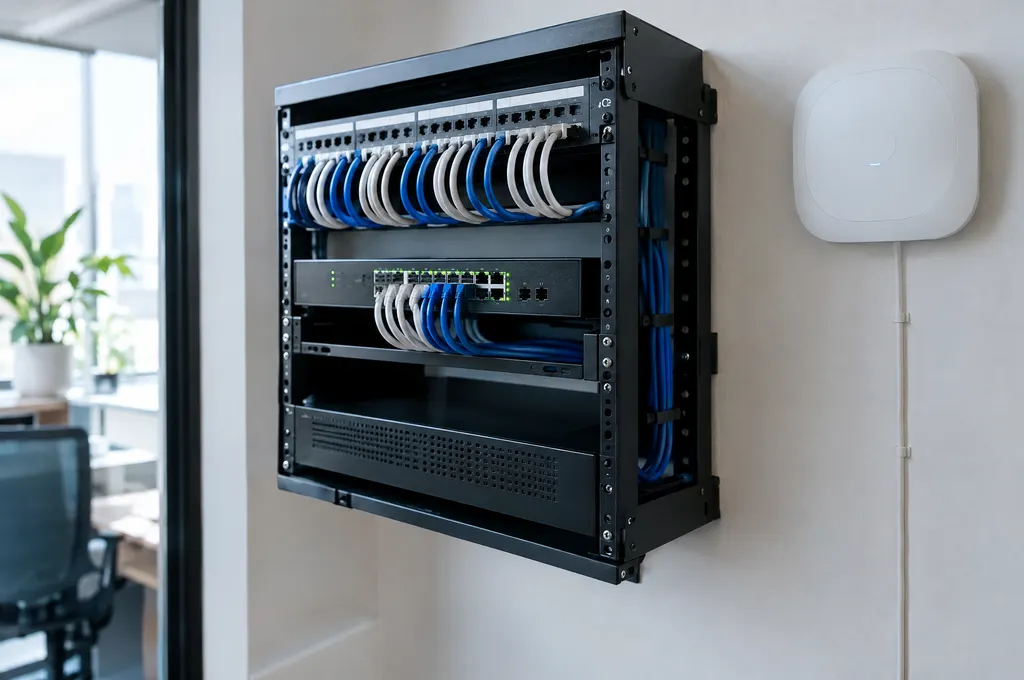
Mesh or access points, switches, cabling and printer setup, neatly done.
- Step 04
Handover
Speed results, a password sheet and simple instructions for everyone.
Included
What every job includes.
Mesh Wi-Fi · access points · switches · NAS · printers · smart home
- Wi-Fi site survey
- Mesh / access point install
- Router security hardening
- Printer and NAS setup
- Network documentation
Questions
Network & Wi-Fi Setup FAQ.
Do you sell the equipment?
We can supply it or install equipment you already own. We recommend proven business-grade gear when it's worth the cost.
How long does a home network install take?
Most homes take 2–4 hours on-site.
Can you run ethernet cables?
Yes — clean, labeled cable runs for offices and homes, including wall plates where possible.
Request a repair
Tell us what's going on.
Describe the problem and we'll reply within one business day with next steps and a ballpark price.
- Monday – Friday9 am – 7 pm
- Saturday10 am – 5 pm
- SundayClosed
Related
Often needed together.
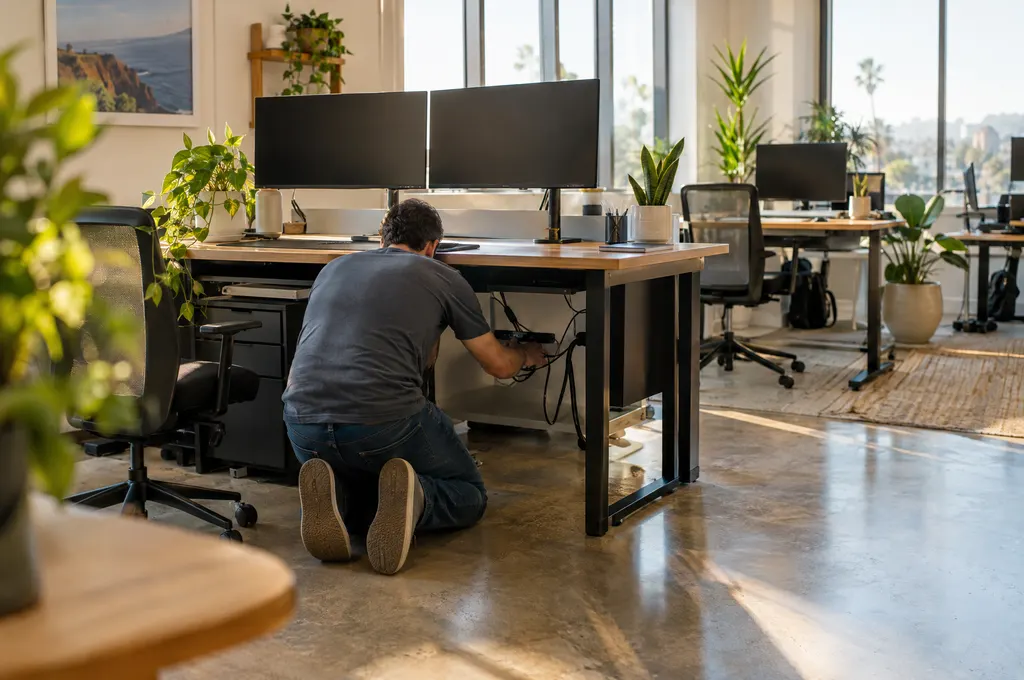
Business IT Support
On-site and remote IT for small businesses, studios and home offices.
Details
Virus & Malware Removal
Pop-ups, ransomware, hijacked browsers and slow, infected systems — cleaned.
Details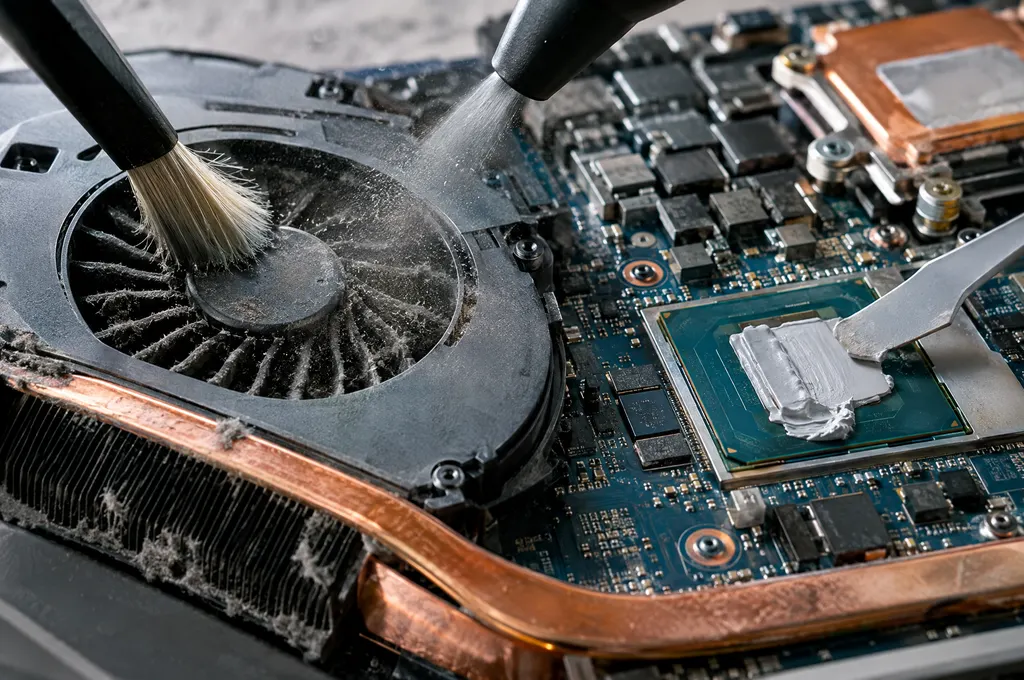
Tune-Up & Internal Cleaning
Dust removal, fresh thermal paste and a software tune-up for a quieter, faster PC.
Details