
Service 13 / 15 · Burbank, CA
Tune-Up & Internal Cleaning
Dust and dried thermal paste make computers hot, loud and slow. We clean the internals, refresh the paste, clear out startup clutter and update everything — or reinstall the OS cleanly with your files preserved.
- Starting at
- $89
- Turnaround
- Same day
- Warranty
- 90 days on software work
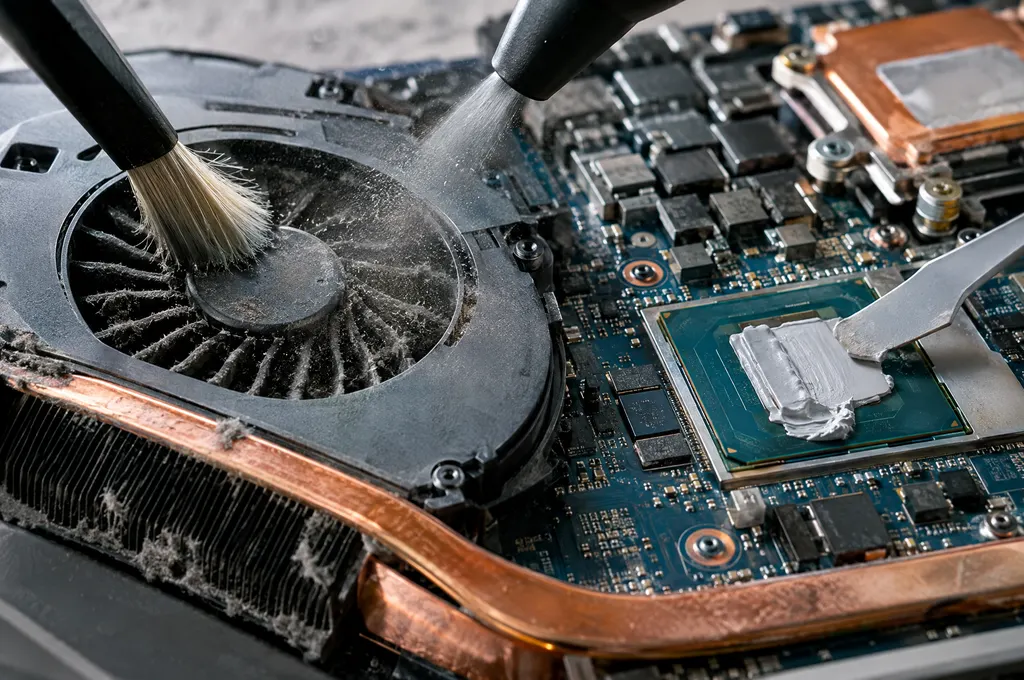
Sound familiar?
Signs you need tune-up & internal cleaning.
Bring it in for a free diagnostic — you'll know exactly what's wrong and what it costs before any work begins.
- 01Fans always loud
- 02Laptop too hot to hold
- 03Slow even with a good SSD
- 04Lots of startup programs
- 05Pending updates that fail
- 06Wants a clean Windows or macOS reinstall
How we do it
Our tune-up & internal cleaning process.
- Step 01
Health check
Temperatures, drive health, startup items and update status recorded.
- Step 02
Deep clean
Fans and heatsinks cleaned; premium thermal paste applied.
- Step 03
Software tune-up
Bloat removed, updates installed, drivers refreshed — or a clean OS reinstall.
- Step 04
Report
Before-and-after temperatures and boot times in a short report.
Included
What every job includes.
Windows 10 & 11 · macOS · laptops & desktops · consoles by request
- Internal dust removal
- Premium thermal paste
- Startup and bloatware cleanup
- OS and driver updates
- Optional clean OS reinstall with data saved
Questions
Tune-Up & Internal Cleaning FAQ.
How often should I clean my computer inside?
Every 12–18 months for most homes; every 6–12 months with pets, smoking or dusty environments.
Will a tune-up speed up an old hard drive?
It helps, but an SSD upgrade makes the biggest difference — we'll recommend it only if it's worth it.
Can you reinstall Windows without losing my files?
Yes. We back up your files, reinstall cleanly and restore your documents, photos and browser bookmarks.
Request a repair
Tell us what's going on.
Describe the problem and we'll reply within one business day with next steps and a ballpark price.
- Monday – Friday9 am – 7 pm
- Saturday10 am – 5 pm
- SundayClosed
Related
Often needed together.
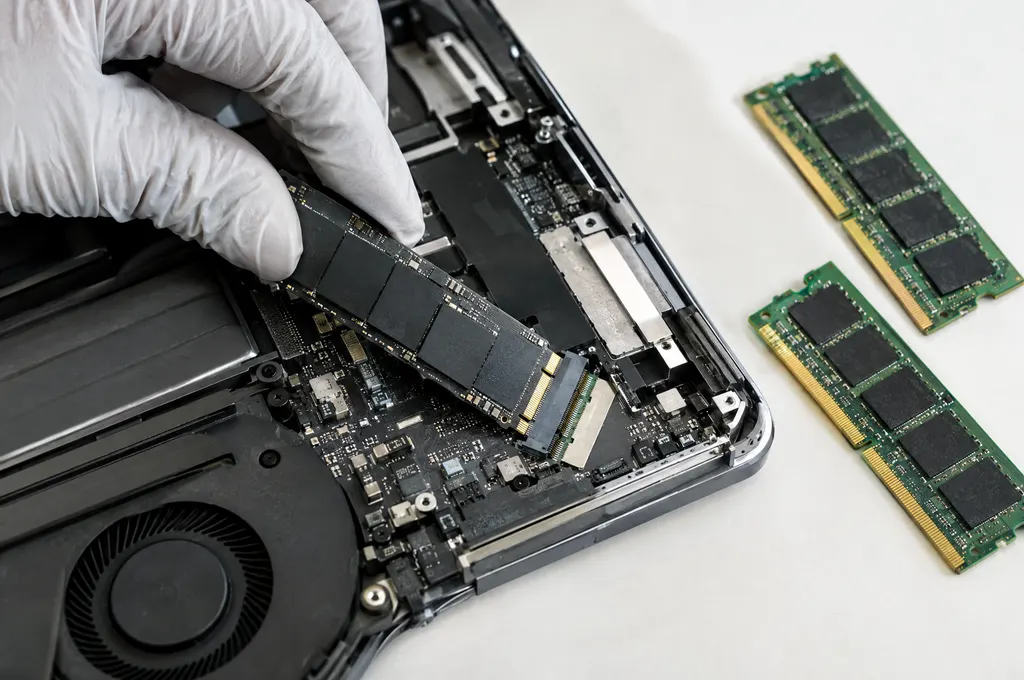
SSD & RAM Upgrades
Make a slow computer fast again — SSD, memory and data migration.
Details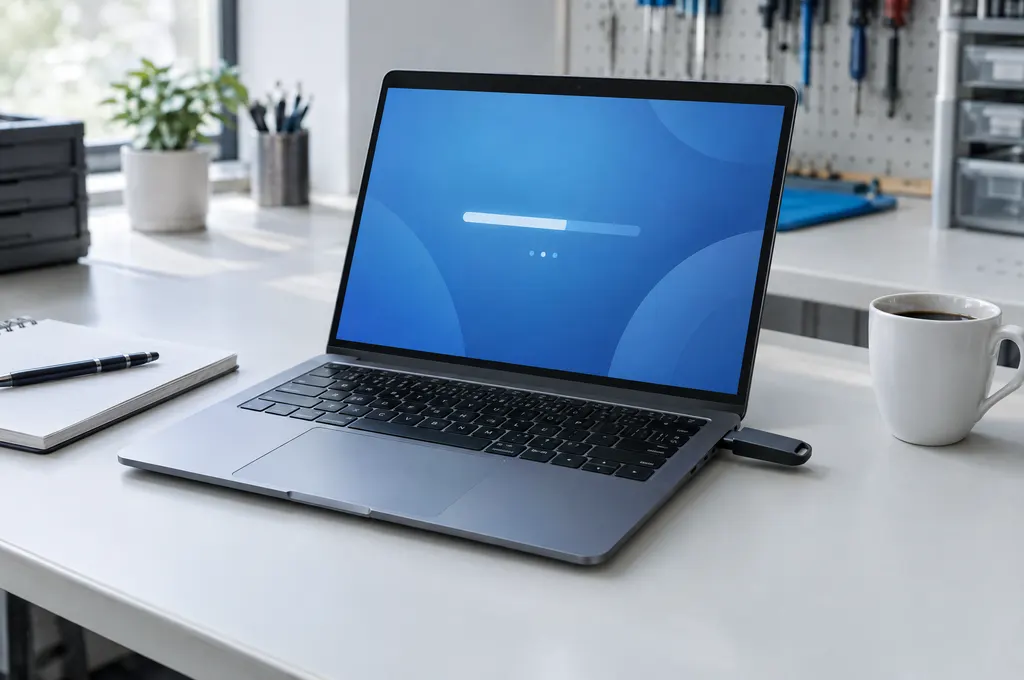
Virus & Malware Removal
Pop-ups, ransomware, hijacked browsers and slow, infected systems — cleaned.
Details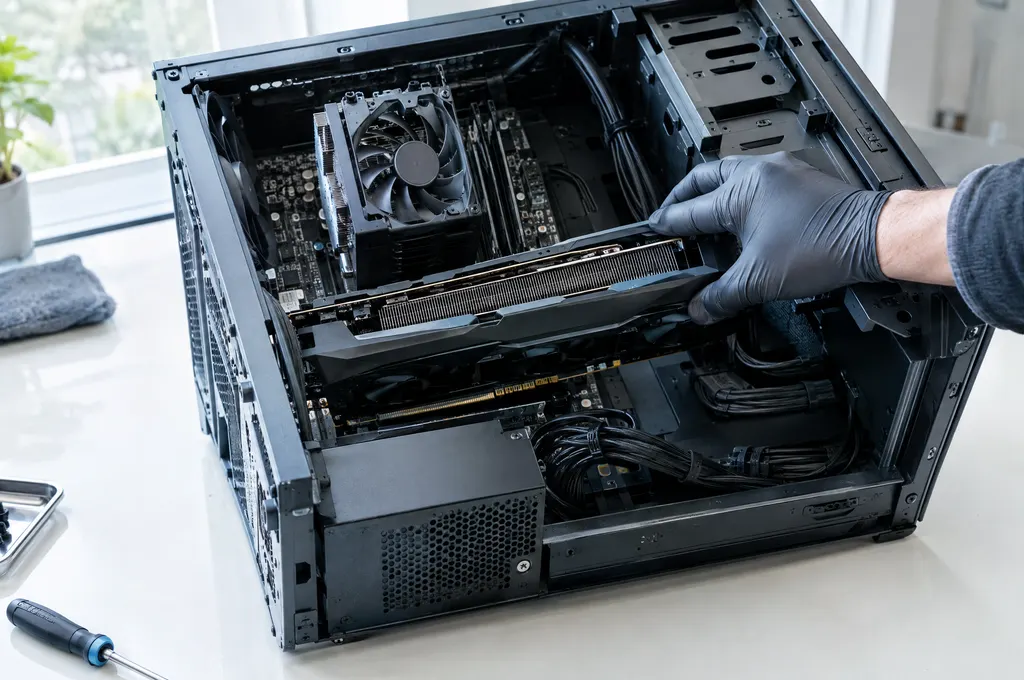
Desktop Computer Repair
Towers, all-in-ones and workstations that won't boot, crash or overheat.
Details